buerligons.io · the app
Buerligons is a parametric, history-based CAD modeler that runs entirely self-contained on the ClassCAD WebAssembly. Nothing to install, no server doing the modeling.
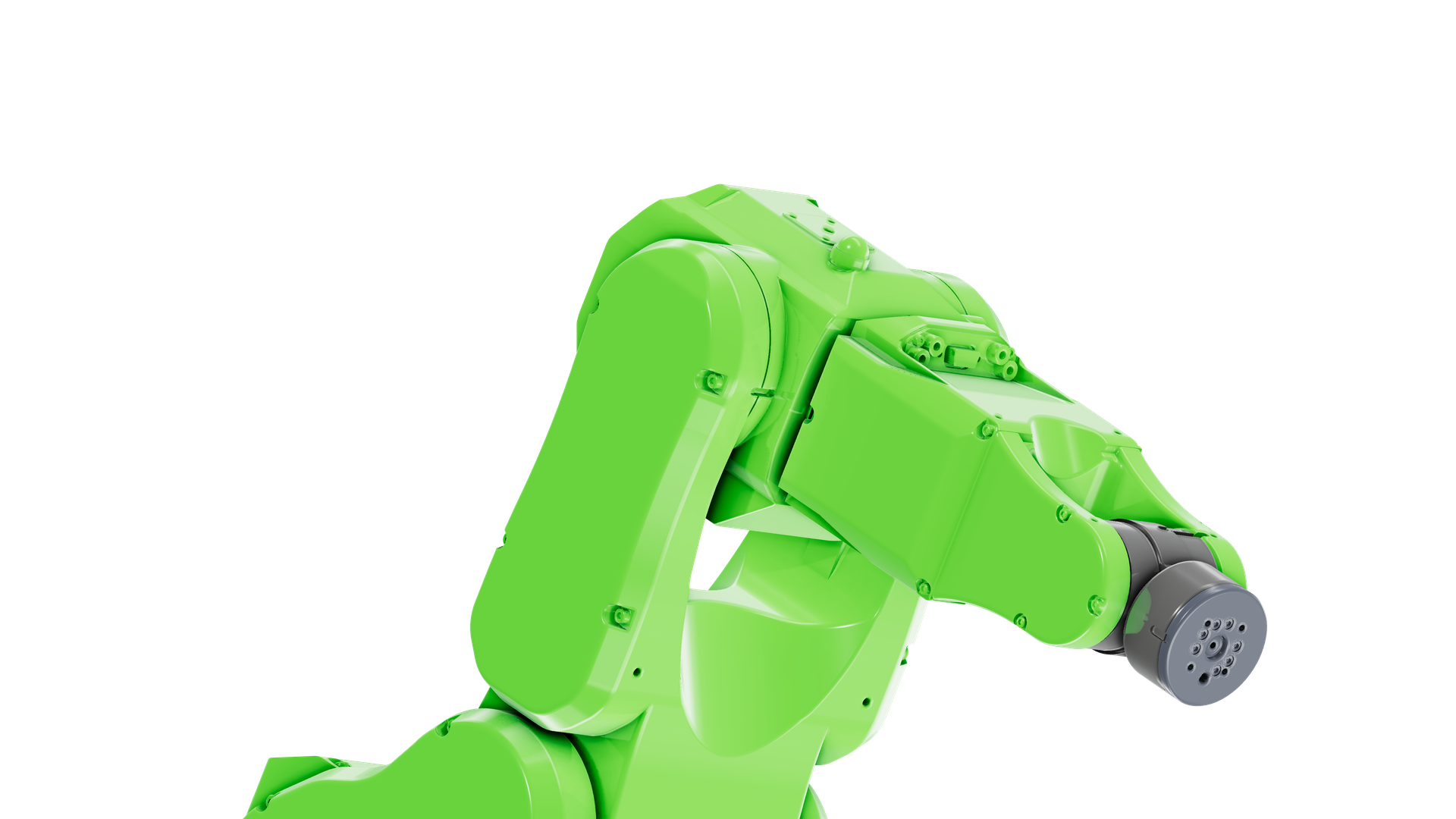
Robot6Axis_FC.ofb · Buerligons, realistic look
01Sketch
Everything starts with a sketch, which you can constrain and dimension. Expressions can contain formulas or other expressions. A part made of it will follow when these change.
1Step Width in the expressions
2Point at a constraint: it shows what it holds
Part · Bracket · Profile
Geometry
Constraints
Dimensions
Plate part.extrusion · 16 mm
Recorded from ClassCAD: every width is the solver's own answer. Open Bracket.ofb in the editor ↗
02Assemble
Assemblies place and constrain parts and sub-assemblies with 3D constraints. A revolute constraint with a gear relation can move parts as they would in the real world.
1Turn the drivetrain in its window
2Point at a part, or at a row in the structure
Assembly · Shooter pivot · Drivetrain
Shooter pivot · 0.50 MB of geometry
FRC team 1678's 2024 shooter pivot, rebuilt in ClassCAD from scratch: every part native, with its sketches and features; 27 constraints that let it move, gears and all.Open it in the editor ↗
03Patterns
A feature takes numbers or expressions. Here the holes of a foam insert are a linear pattern: its rows and columns are two expressions, the spacing between the holes is a formula of them, so the holes stay centred always.
1Step Rows and Columns in the expressions
2Watch the spacing: it is a formula
Part · Shadowbox
Expressions
- Rows
- Columns
- zDistToFirst
- = 0
- yDistToFirst
- = 0
- zDist
- = 0
- yDist
- = 0
- Holes
- 32
- Volume
- — cm³
Shadowbox.ofb, rebuilt in ClassCAD for every pair of counts. Open it in the editor ↗
04Tools
Buerligons covers most of the features that the underlying kernels provide, SMLib for 3D and LGS for constraints.
71 tools · 4 sheets
Read the docs →
- Sketchsketch.create
- Extrusionpart.extrusion
- Revolvepart.revolve
- Twistpart.twist
- Boxpart.box
- Cylinderpart.cylinder
- Conepart.cone
- Spherepart.sphere
- Unionpart.boolean
- Subtractionpart.boolean
- Intersectionpart.boolean
- Filletpart.fillet
- Chamferpart.chamfer
- Slicepart.slice
- Slice by sheetpart.sliceBySheet
- Mirrorpart.mirror
- Linear patternpart.linearPattern
- Circular patternpart.circularPattern
- Translationpart.translation
- Rotationpart.rotation
- Transform by csyspart.transformationByCSys
- Work planepart.workPlane
- Work axispart.workAxis
- Work pointpart.workPoint
- Work coordinate systempart.workCSys
- Expressionspart.expression
05Showcases
Try them, see how they're made.
History-based, at full size
Shooter pivot
Team 1678's 2024 shooter, rebuilt in ClassCAD from scratch: every part native, with its sketches and features; 27 constraints that let it move, gears and all.
- Instances
- 165
- Parts
- 75
- Constraints
- 27
- File
- 61.8 MB
- Download
- 5.3 MB
ClassCAD needs about a gigabyte to open it: it opens best on a computer.
- Part
Radial displacement
Schmidt coupling
Links and discs on revolutes: a coupling that takes up a radial offset between two shafts.
- Part
Constraint limits
Cutting tool
A tool in its holder on a slider: the constraint’s limits say how far it goes.
- Part
Feature-based design
Shaft
Sketches, extrusions, a mirror, booleans and a fillet: a part that is its history.
- Part
Parametric design
Flange
Its sizes are formulas of thickness and diameter; its bolt holes a circular pattern, cut in one go.
- Part
Dimensions with names
Bracket
One fully constrained sketch, its dimensions bound to Width, Height and Hole, extruded.
- Part
Patterns from expressions
Shadowbox
A foam insert whose holes are a linear pattern of Rows × Columns, centred by formula.
- Part
An assembly of parts
Fusion
Three parts placed as five instances, opened as one assembly.
8 models · 66.1 MB of OFB · 5.9 MB to download, all of them
06Files
Buerligons covers many common import and export formats, first and foremost STEP. OFB is our parametric history format that retains all sketches, features, expressions and so on.
Not yet
2D drawings, sweeps, SAT and IGES. Phones get a viewer, not the editor.
07Start
A new part
An empty part, the sketcher and every feature, in a new tab.
An assembly
Bring parts in, constrain them, and move them.
Your own file
An .ofb, a STEP or an IWP from your disk, opened right in the browser.
Read the docsSketchingExpressions3D constraintsCommercial use